Give Irma the brief. Review the WordPress work.
Update content, investigate code or prepare a page, theme or plugin change. Irma works with the site’s saved brand context and supported WordPress tools, within the access and approval rules you set.
Edit the existing page in its own builder
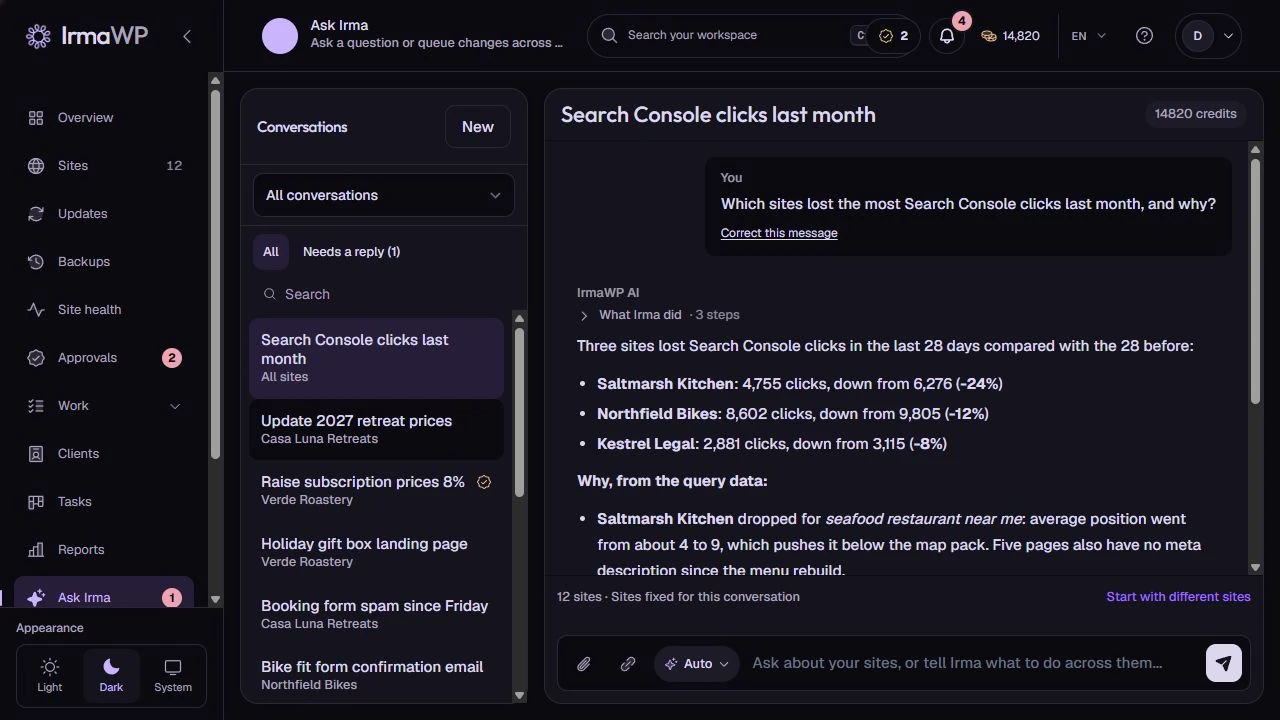
In this seeded conversation, a price edit stays inside an existing Elementor layout. The English page and its Spanish translation are separate changes, each with an operation record. The demo illustrates the workflow; it is not a live customer result.
Figma inspection and visual comparison require the relevant integration. Generated work still needs review; a design brief is not a pixel-perfect guarantee.
How you use it
Investigate before editing
Ask about relevant files, installed tools or an error. The connection controls what Irma can inspect; it cannot infer hidden server state reliably.
Prepare WordPress artifacts
Supported workflows cover plugins, themes, Gutenberg, Elementor and other WordPress-specific work. Review the artifact and its prerequisites before applying it.
Check the outcome
A successful generation is not the same as a correct page or safe production change. Use the available validation, preview and approval steps, then inspect the result.
What to know
Can I use my own AI key?
Does every request work with every connection?
Start with your own sites.
Connect a small portfolio, check the tools you need, and choose the plan that fits your team's work.

