Tell Irma how this site works. Keep that knowledge with it.
A client's builder choices, code locations and things the team must never touch belong in the site's working context. Conventions make those instructions available to later AI work.
How you use it
Write the important rules
Add manual conventions for project-specific expectations: where custom code lives, which builder is in use, and what requires a human review.
Keep explicit instructions first
Manual conventions are prioritized when the site's AI context is assembled. They stay until your team changes or removes them.
Review what was learned
Observed conventions may be recorded after a clean apply. They are bounded working memory, not an unlimited archive or a substitute for your own documentation.
Keep the work in view.
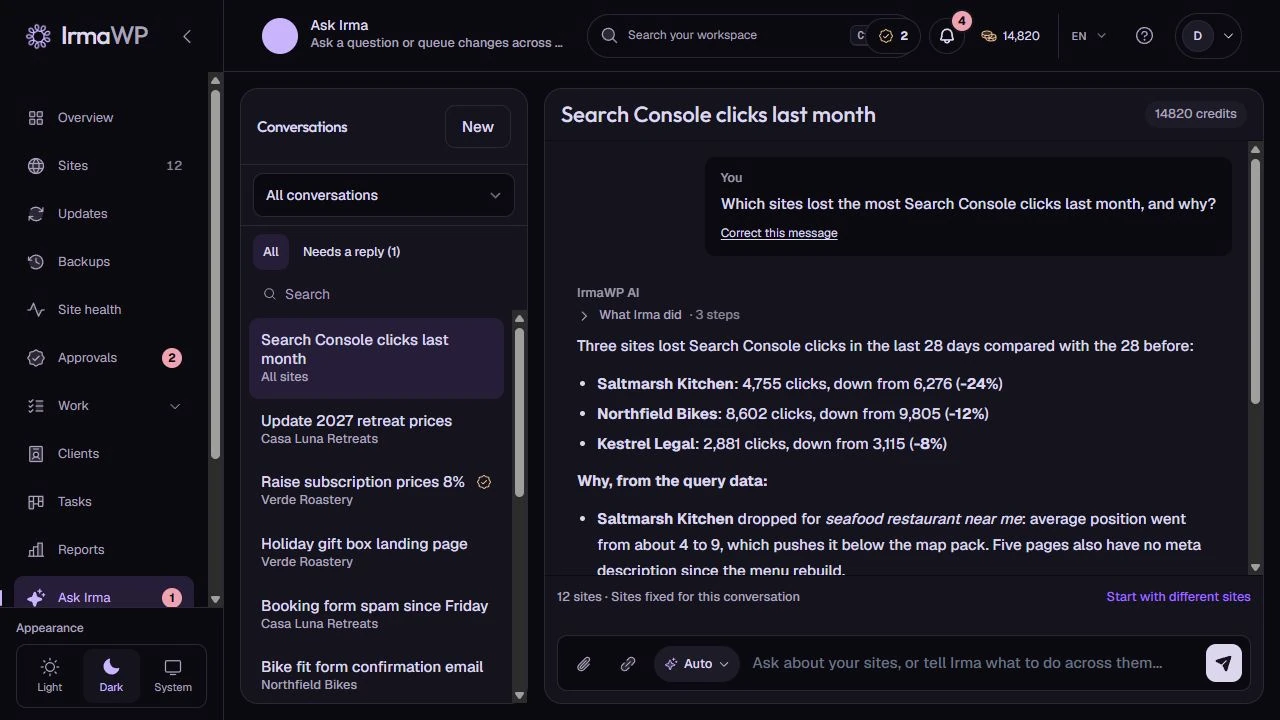
An actual screen from the IrmaWP demo workspace. The workspace includes sample history; available actions depend on your plan, role and site connection.
Per-site AI conventions
A client's builder choices, code locations and things the team must never touch belong in the site's working context. Conventions make those instructions available to later AI work.
What to know
Is this the same as a brand profile?
Do conventions override permissions?
Start with your own sites.
Connect a small portfolio, check the tools you need, and choose the plan that fits your team's work.

