Let routine updates move. Review the changes that need you.
Set update rules for the workspace and override them per site. Security, regular releases and page builders have separate lanes; detected breaking changes wait for a person.
Understand why an update runs or waits
The current update queue separates automatic work from changes waiting for you. Its rules explain delays, maintenance windows and breaking-change holds. Your configured lanes determine what can run.
The usual regular delay is three days from first detection; page builders wait for approval by default or can use a seven-day delay. Checks and scoped recovery reduce risk without guaranteeing an unbroken site.
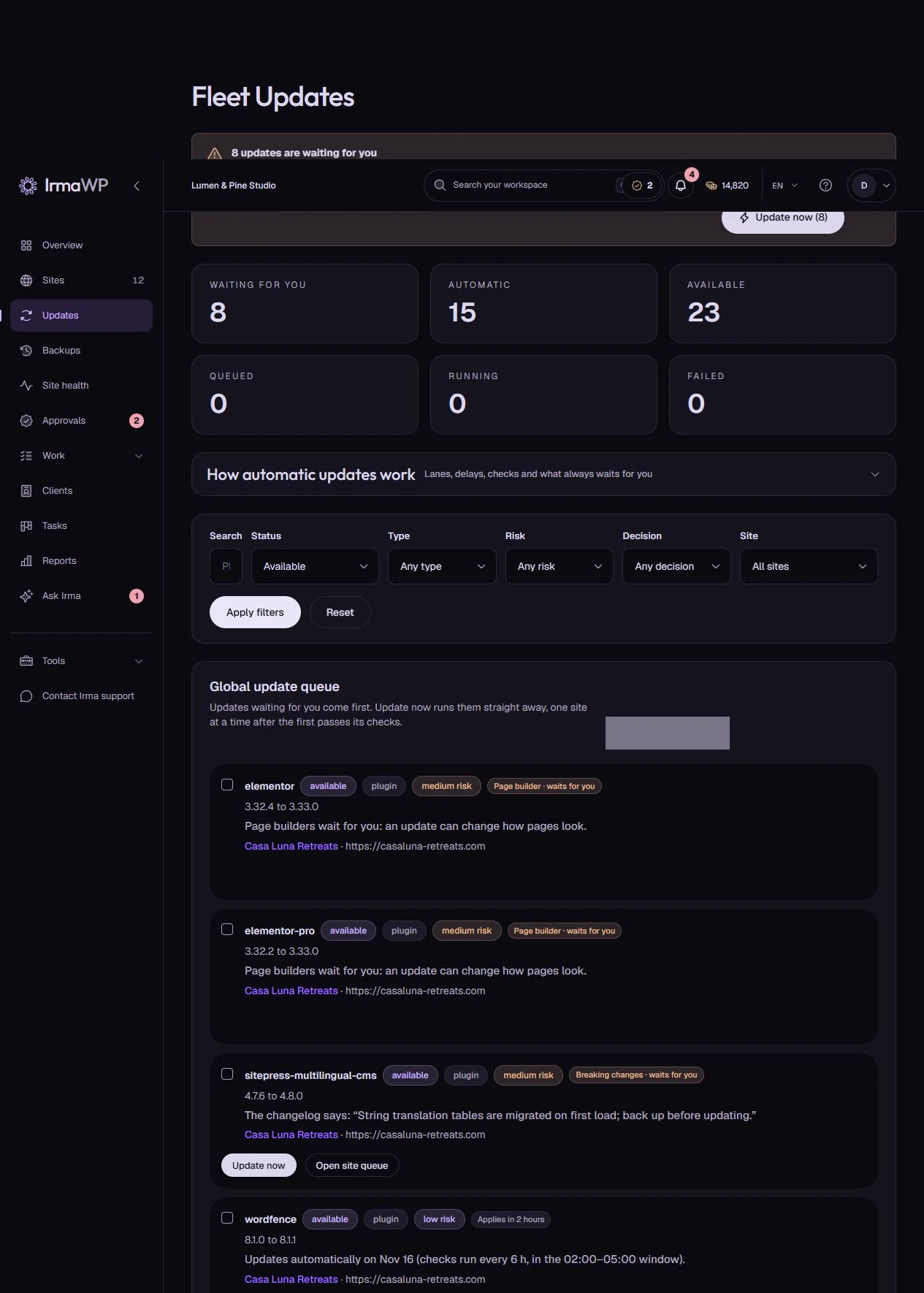
Routine updates move. Risky changes wait for you.
Choose the rules for your workspace, override them per site, or set them when you connect a site. You can require approval in any lane.
Security: act when detected
With automatic security updates enabled, IrmaWP queues detected security releases without waiting for the maintenance window. Breaking changes still require approval.
Regular: wait 3 days
Wait 3 days from first detection to leave room for hotfixes, then use the next update check and any configured maintenance window. A newer version restarts the wait.
Page builders: approve or wait 7 days
Elementor, Divi, Bricks, Beaver Builder, WPBakery and Oxygen wait for approval by default. Choose automatic updates after 7 days from first detection if that fits the site.
What to know
Can updates run through SSH as well as the connector?
Can every update be rolled back?
What happens when an update announces breaking changes?
Does the wait start on the public release date?
Can SSH replace a missing connector for automatic updates?
Start with your own sites.
Connect a small portfolio, check the tools you need, and choose the plan that fits your team's work.

