Keep repository context close to your WordPress work.
Connect a supported Git provider to browse repository metadata and branches in the workspace. This is repository visibility, not a built-in deployment pipeline.
How you use it
Connect a supported provider
Use the supported token integration for GitHub, GitLab or Bitbucket. Grant only the provider permissions required for the repositories you want to inspect.
Sync repository context
Review repository and branch information without confusing a metadata sync with a change to the WordPress filesystem.
Keep deployment in your existing flow
Continue using your own deployment process. Linking a Git account does not clone a repository onto a site, push changes or automatically deploy a branch.
Keep the work in view.
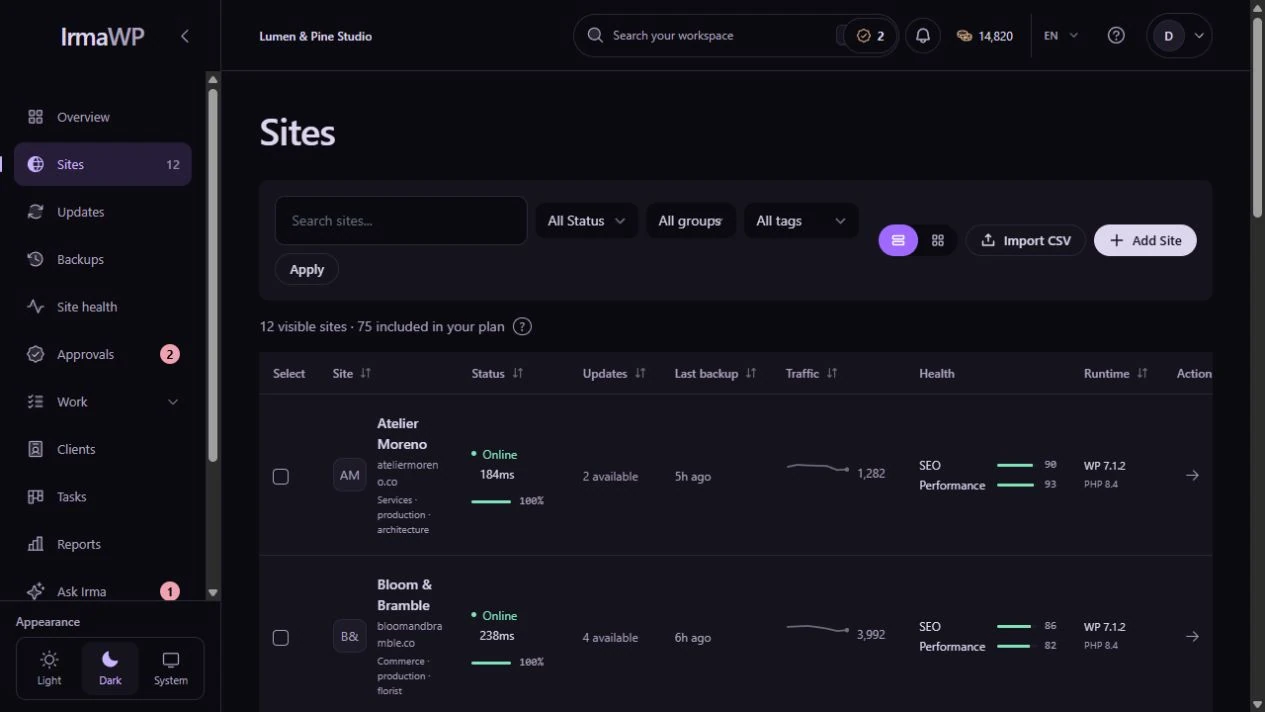
An actual screen from the IrmaWP demo workspace. The workspace includes sample history; available actions depend on your plan, role and site connection.
Git repository integration
Connect a supported Git provider to browse repository metadata and branches in the workspace. This is repository visibility, not a built-in deployment pipeline.
What to know
Which plans include the integration?
Does SSH give me code history?
Start with your own sites.
Connect a small portfolio, check the tools you need, and choose the plan that fits your team's work.

